Bliss Symbol Downloads
Over 6,500 Bliss characters and multi-character Bliss words are available as image files that you can download and use in your own documents, apps, or materials. Each download is a ZIP file containing every entry in the BCI-AV (Blissymbolics Communication International Authorized Vocabulary), one image per entry.
Because there are many combinations of format, size, background, and file naming, there are hundreds of ZIP files to choose from. The examples below show what's available.
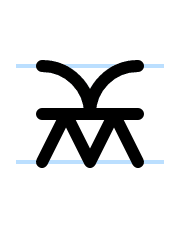
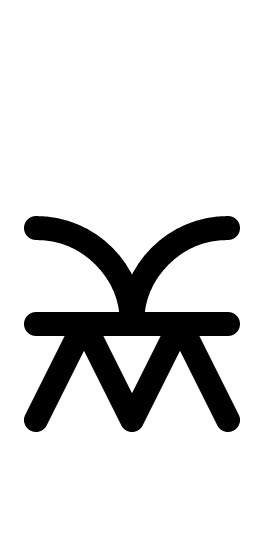
Stroke width
Controls line thickness. Thicker strokes may improve visibility in some situations.
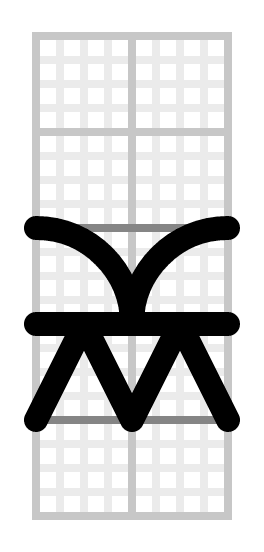
Layout variant
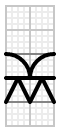
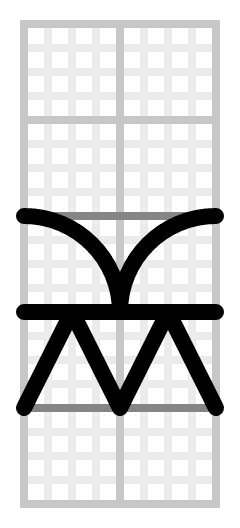
Grid shows the full Bliss reference grid, good for showing symbol positioning clearly.
Background
White for print and documents. Transparent for compositing over any background in apps. Nordic and Canadian use part-of-speech colors from their respective AAC traditions.
Export sizes
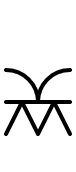
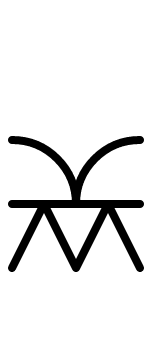
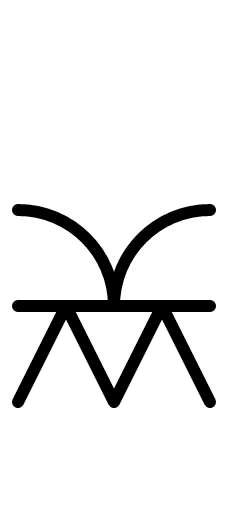
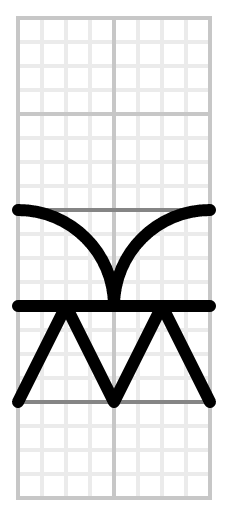
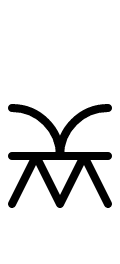
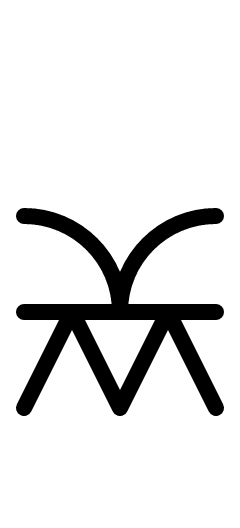
Actual exported PNG files at natural pixel size. Left image is 96 dpi, right is 384 dpi (4× the pixels, displayed at the same size). Grid and compact variants are only produced at heights where the grid resolves to whole pixels.
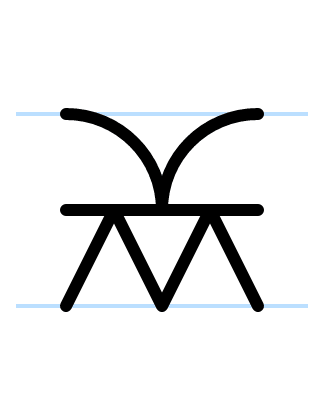
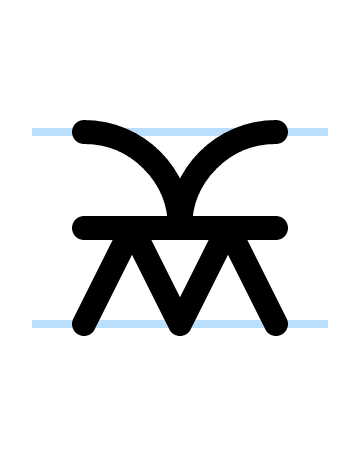
sw050 (Standard)


sw067 (Bold)




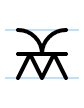
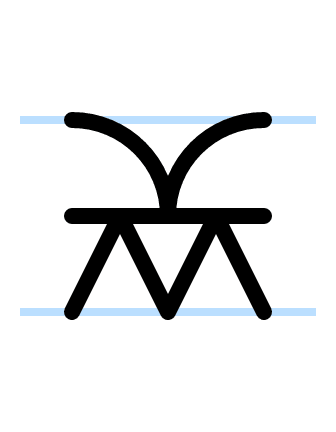
sw100 (Extra bold)


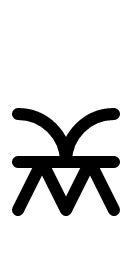

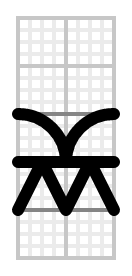



Additional options
- DPI
- 96 dpi for screens: one image pixel maps to one screen pixel. 384 dpi (4× the pixel count) for print and high-resolution displays. Images appear the same physical size but with sharper detail. Applications that respect DPI metadata (Microsoft Word, LibreOffice Writer, InDesign) will size them correctly. Some applications ignore DPI and display by pixel count instead (Google Docs, most web browsers). In those cases, 384 dpi images will appear 4× larger and need manual resizing or scripting to scale down.
- File naming
- bid: Blissary ID (B1.png). Native format for Blissary and bliss-svg-builder.
- bciid: BCI-AV ID (08448.png). For compatibility with the BCI-AV standard.
- gloss: English Gloss (house.png). For human browsing and easy identification.
Ready to download?
Head to the Bliss Symbol Downloads page to pick your format, size, and background. Every step shows a real preview so you can see exactly what you're choosing.